
Get Set Up Right. Get Printing Faster. Get Paid Sooner.
DTF QuickStart is the step-by-step system that shows you exactly how to set up, use, and maximize your DTF equipment—without bouncing between confusing YouTube videos. Get clear guidance, proven workflows, and a supportive community so you can start printing and making money faster.

If you’re over feeling frustrated, there’s a better way.
This might sound uncomfortably familiar…
-01-
Overwheled & Confused by Conflicting Information
You’re stuck jumping between random YouTube videos, outdated tutorials, and conflicting advice—never knowing which steps actually apply to your equipment. Every setup feels like guesswork, and one wrong move can be costly.
-02-
Feeling Stuck Instead of Moving Toward Income
You want to start making money, but setup delays, technical roadblocks, and unanswered questions keep holding you back. Every small issue feels like it stops your progress completely.
-03-
No Instructions. Just Guessing.
Your equipment shows up with no instructions, the software feels intimidating, and the moment you have a question—you’re on your own. You’re left guessing what buttons to click, what settings matter, and whether you’re about to mess something up.
...If that’s you keep reading, you’re in the right place.


I’ve been there—confused, overwhelmed...
and stuck with equipment that came with no instructions. Especially when you’re brand new to DTF or not tech-savvy, it’s even harder. You reach out to customer support, wait… and either get vague answers or no response at all—leaving you stranded with expensive equipment you can’t even use to make money. That’s exactly why DTF QuickStart exists: to replace frustration with clarity and help you move forward with confidence.
Finally, a Better Way to Get Started
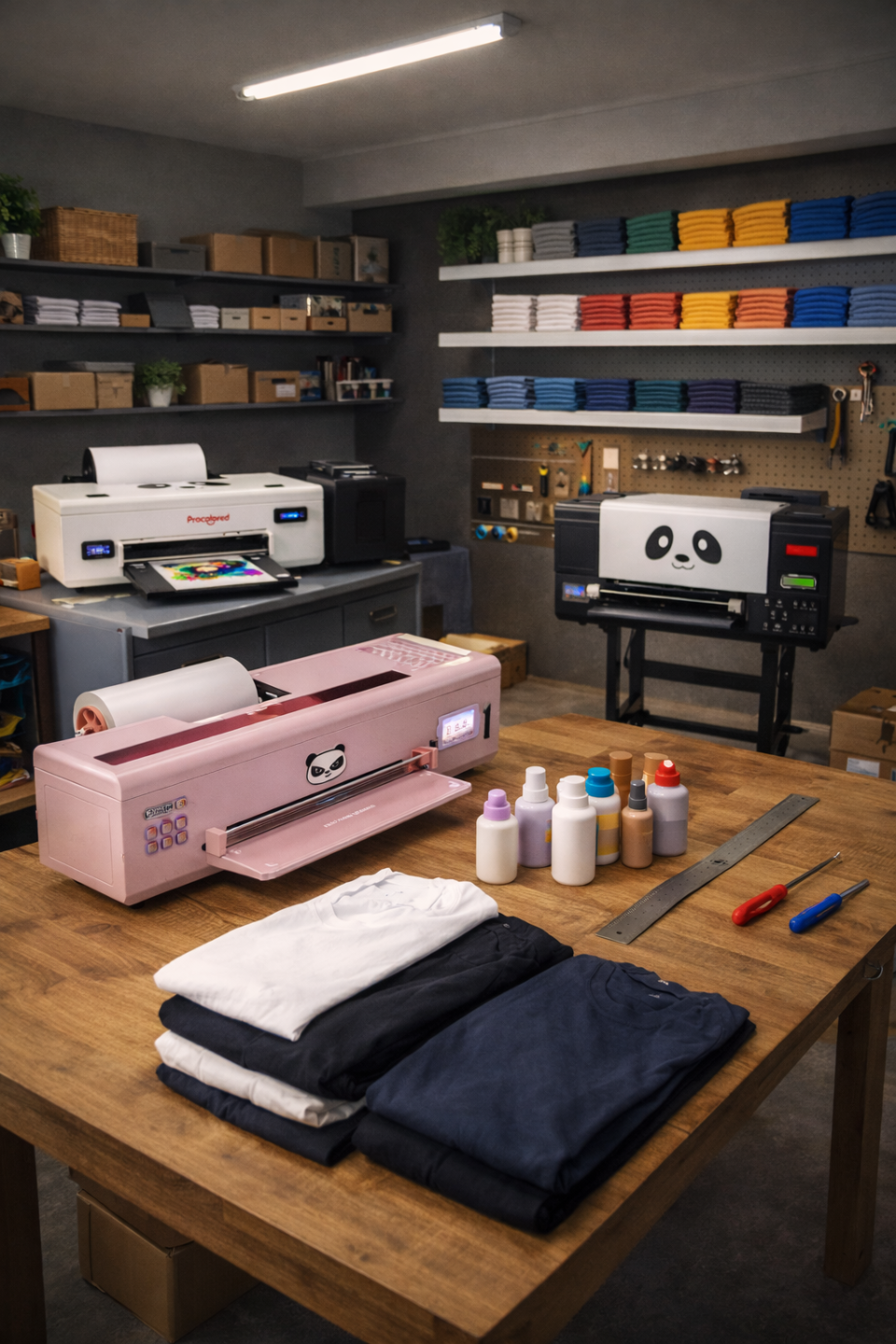
That’s exactly why I created the DTF QuickStart Bundle—a clear, step-by-step system that shows you how to actually use your equipment, understand your software, and move forward with confidence. These lessons have helped tens of thousands of people stop guessing, avoid costly mistakes, and turn their DTF setup into something they can actually use to start making money.
You’re Not Alone—Hear From Others...






From Overwhelmed to In Control
- From overwhelmed → to finally knowing what to do
-
From guessing → to feeling confident
-
From “this looks scary” → to “I’ve got this”
-
From stuck → to moving forward
-
From stressed → to relaxed and focused
-
From messy setup → to smooth and simple
-
From unanswered questions → to real help
-
From worried about messing up → to printing confidently
-
From unused equipment → to putting it to work
-
From doubt → to ready to start making money

A Complete QuickStart Experience
#1 Step-by-Step Setup & Installation Guides ($500 value)
Clear, beginner-friendly walkthroughs that show you exactly how to set up your equipment and software—updated and expanded as new tools, printers, and workflows are added.
#2 Exclusive Bonus Training Library ($300)
Extra tutorials, tips, and quick wins that go beyond setup—designed to help you understand your equipment better, avoid common mistakes, and get more value out of what you already own.
#3 Private Community for Real Support (priceless)
Get access to a private community. Share photos and videos of your setup to get clearer feedback, faster fixes, and support from people who’ve already solved what you’re facing.
Perfect for you if:
-
You want clear, step-by-step guidance—not guesswork
-
You’re new to DTF or not tech-savvy
-
You want real support, not slow or confusing customer service
-
You value learning from others who’ve already solved the same problems
-
You want to actually use your equipment and start moving toward income
Not for you if:
-
You prefer figuring everything out on your own
-
You don’t want to follow a step-by-step process
-
You’re looking for a shortcut without learning the basics
-
You already fully understand your equipment and software
-
You’re not ready to take action right now
Let's take a look at what's inside
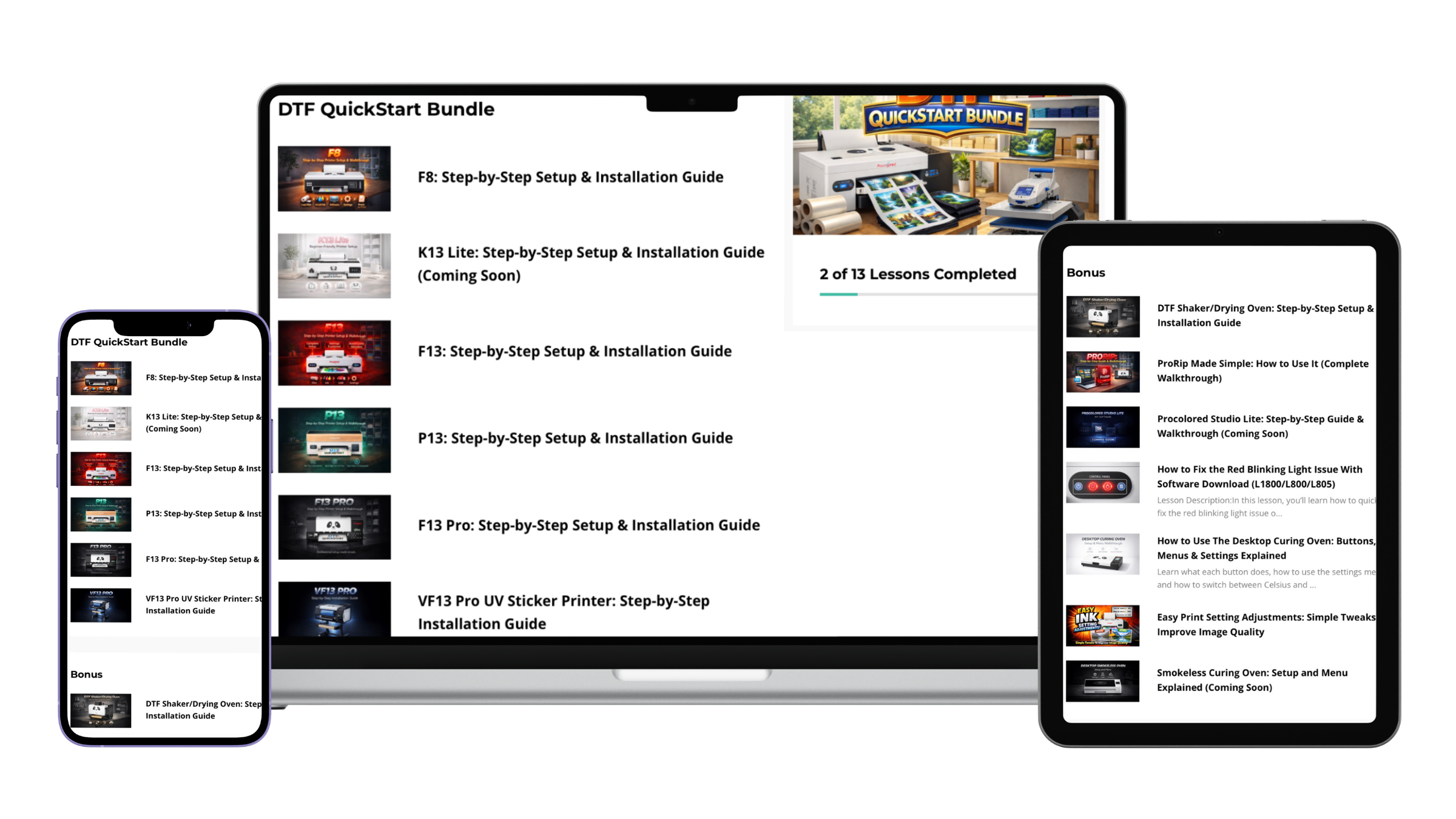
DTF Quickstart Bundle
- F8: Step-by-Step Setup & Installation Guide
- K13 Lite: Step-by-Step Setup & Installation Guide (Coming Soon)
- F13: Step-by-Step Setup & Installation Guide
- P13: Step-by-Step Setup & Installation Guide
- F13 Pro: Step-by-Step Setup & Installation Guide
- VF13 Pro UV Sticker Printer: Step-by-Step Installation Guide
Bonus Library
- DTF Shaker/Drying Oven: Step-by-Step Setup & Installation Guide
- ProRip Made Simple: How to Use It (Complete Walkthrough)
- Procolored Studio Lite: Step-by-Step Guide & Walkthrough (Coming Soon)
- How to Fix the Red Blinking Light Issue With Software Download (L1800/L800/L805)
- How to Use The Desktop Curing Oven: Buttons, Menus & Settings Explained
- Easy Print Setting Adjustments: Simple Tweaks To Improve Image Quality
- Smokeless Curing Oven: Setup and Menu Explained (Coming Soon)
Don’t Take Our Word for It






Let’s Get You Started.
Limited-Time Introductory Price

Commonly Asked Questions
What if I’m not very tech-savvy?
What if I get stuck or have questions?
How long do I have access to the video lessons?
How quickly can I get started?
What is your refund policy?

Let’s get you unstuck and moving forward.